Pivot in SQL: turn rows into columns
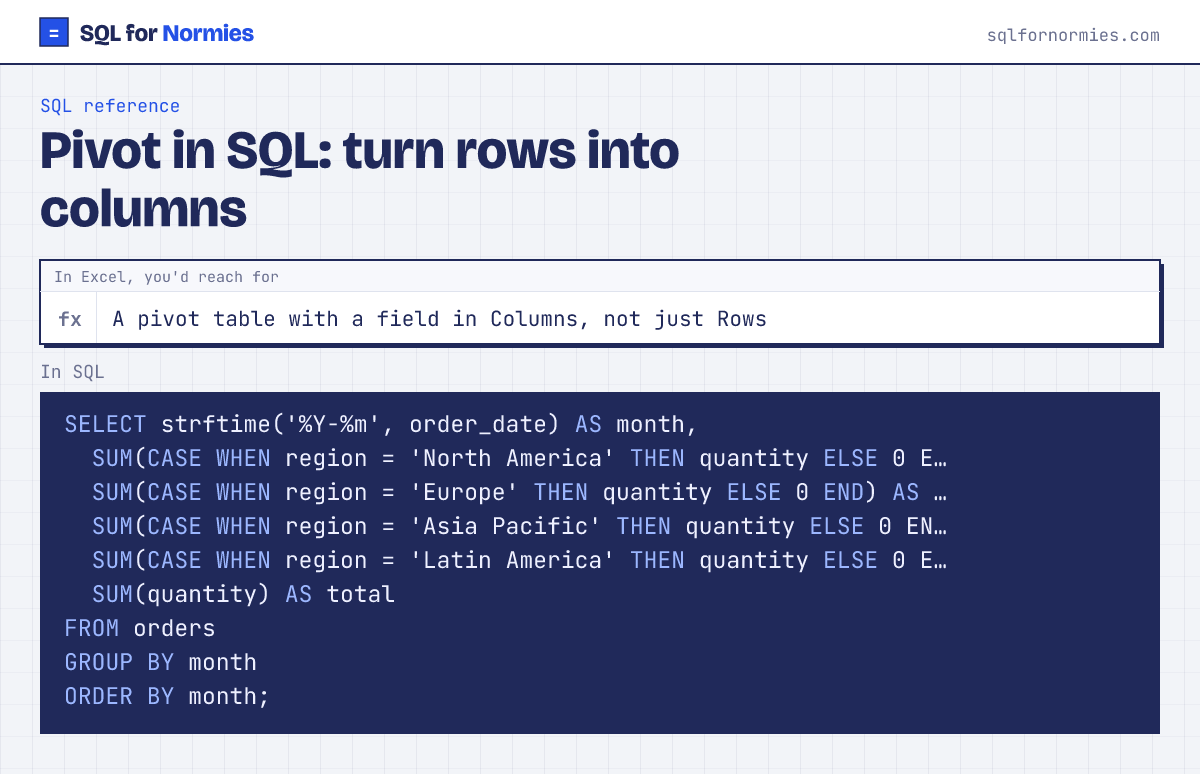
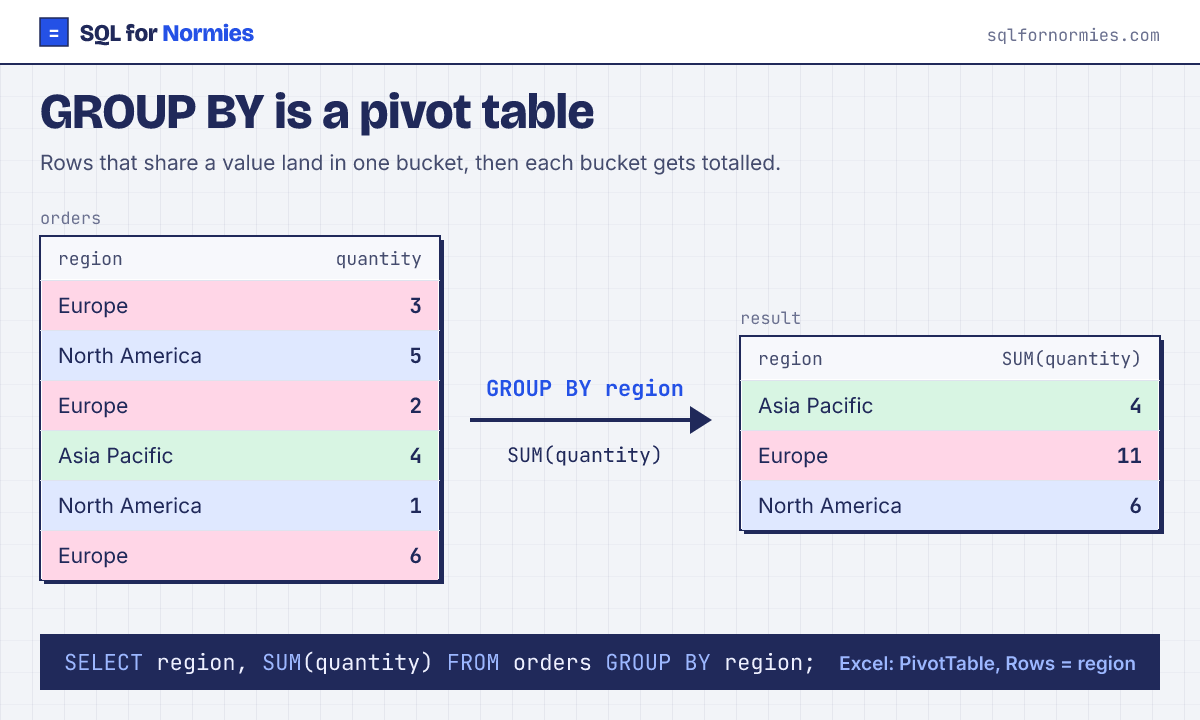
GROUP BY gives you a pivot with fields in Rows only: one row per month and region. Often you want the Excel layout instead: months down the side, regions across the top. That's a pivot: turning values into columns.
The method that works in every database: group by the row field, and make one column per value with SUM(CASE WHEN …).
Syntax
SELECT row_field,
  SUM(CASE WHEN col_field = 'A' THEN value END) AS a,
  SUM(CASE WHEN col_field = 'B' THEN value END) AS b
FROM table
GROUP BY row_field;| month | north_america | europe | asia_pacific | latin_america | total |
|---|---|---|---|---|---|
| 2026-01 | 74 | 65 | 102 | 72 | 313 |
| 2026-02 | 90 | 49 | 74 | 76 | 289 |
| 2026-03 | 54 | 73 | 85 | 77 | 289 |
| 2026-04 | 101 | 49 | 78 | 80 | 308 |
| 2026-05 | 59 | 101 | 99 | 107 | 366 |
| 2026-06 | 74 | 79 | 77 | 48 | 278 |
6 rows
Some databases have a dedicated PIVOT keyword. SQL Server:
SELECT * FROM (SELECT region, quantity FROM orders) src
PIVOT (SUM(quantity) FOR region IN ([Europe], [Asia Pacific])) p;
Snowflake, BigQuery and Oracle have similar PIVOT syntax; Postgres and MySQL don't. The SUM(CASE WHEN) version runs everywhere and is easier to read, which is why analysts tend to stick with it. The catch with both: you list the columns yourself. SQL won't invent a column per value the way an Excel pivot does.
Your turn
Tickets per agent with priorities as columns: urgent, normal, low (counts).
GROUP BY agent, and one SUM(CASE WHEN priority = '...' THEN 1 ELSE 0 END) per priority.
This page on one card