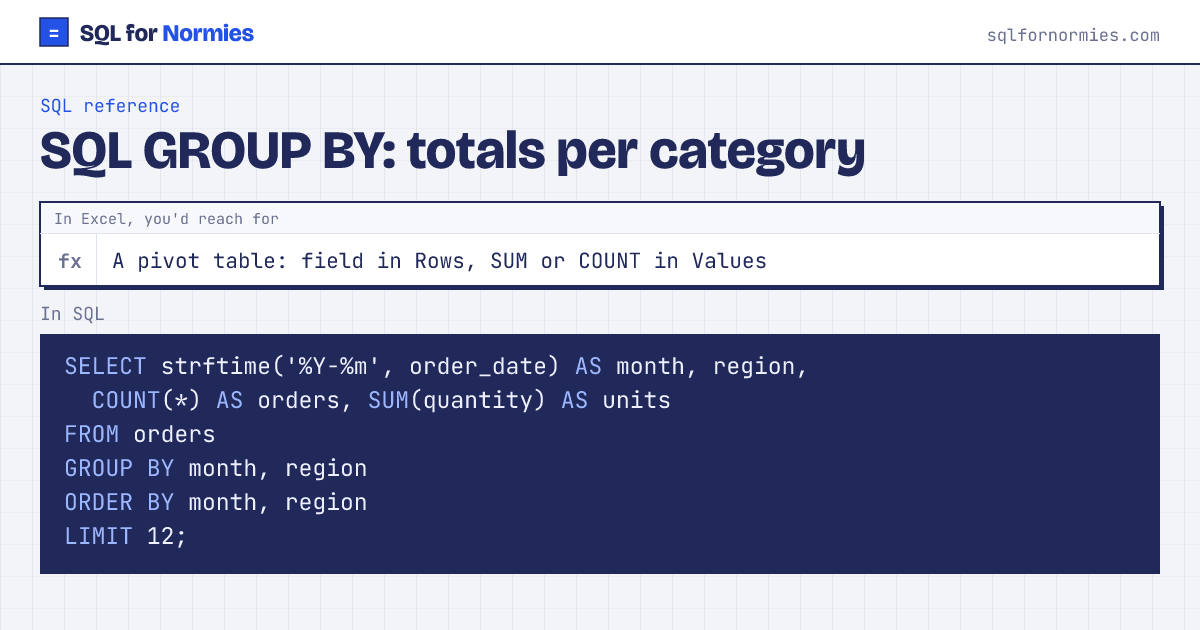
SQL GROUP BY: totals per category
GROUP BY collapses rows that share a value into one row per value, then lets you total each group with SUM, COUNT, AVG, MIN or MAX. It's an Excel pivot table in one line.
The rule that trips everyone up: every column in SELECT must either be in the GROUP BY or be inside a total. Otherwise the database doesn't know which row's value to show.
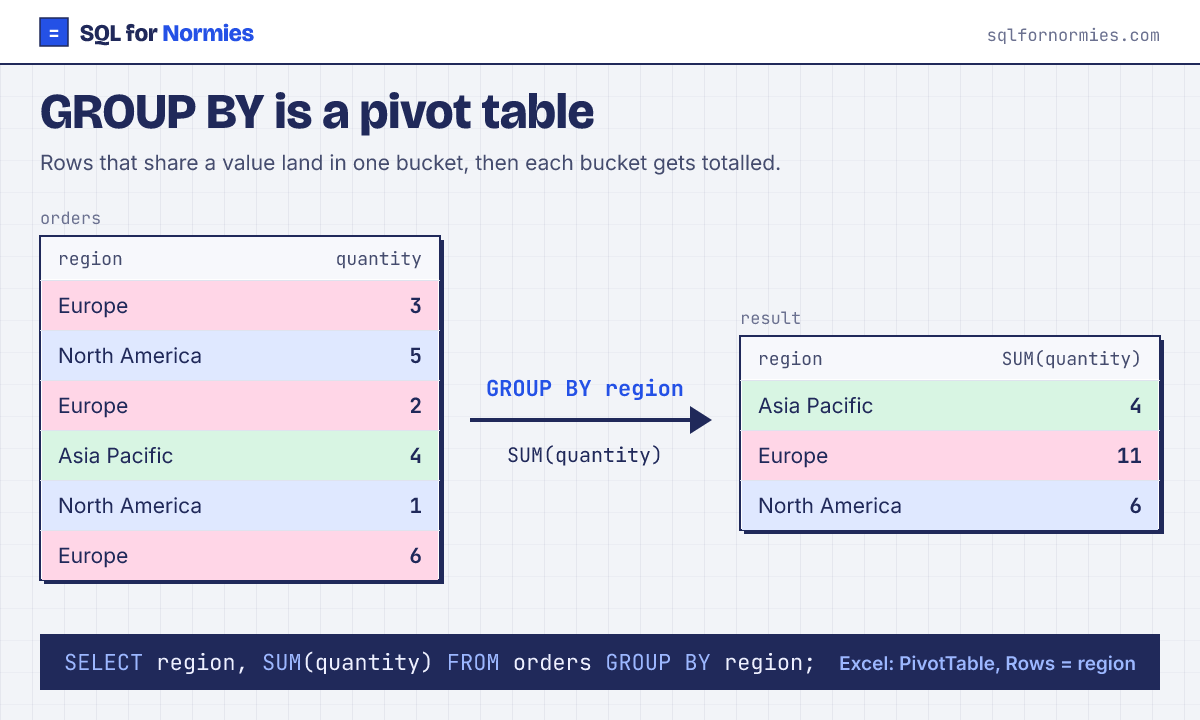
Syntax
SELECT category_col, SUM(number_col)
FROM table
GROUP BY category_col;| month | region | orders | units |
|---|---|---|---|
| 2026-01 | Asia Pacific | 30 | 102 |
| 2026-01 | Europe | 23 | 65 |
| 2026-01 | Latin America | 24 | 72 |
| 2026-01 | North America | 24 | 74 |
| 2026-02 | Asia Pacific | 25 | 74 |
| 2026-02 | Europe | 14 | 49 |
| 2026-02 | Latin America | 27 | 76 |
| 2026-02 | North America | 27 | 90 |
| 2026-03 | Asia Pacific | 25 | 85 |
| 2026-03 | Europe | 24 | 73 |
Showing 10 of 12 rows. Press Run to see them all.
Grouping by two columns gives one row per combination, like dragging two fields into Rows. To filter on the totals afterwards (only regions above 100 units), see HAVING vs WHERE. Want the months as columns instead of rows? That's a pivot.
Your turn
How many tickets did each agent handle, per priority? Columns agent, priority, tickets.
GROUP BY agent, priority with COUNT(*).
This page on one card