SQL ORDER BY: sort your results
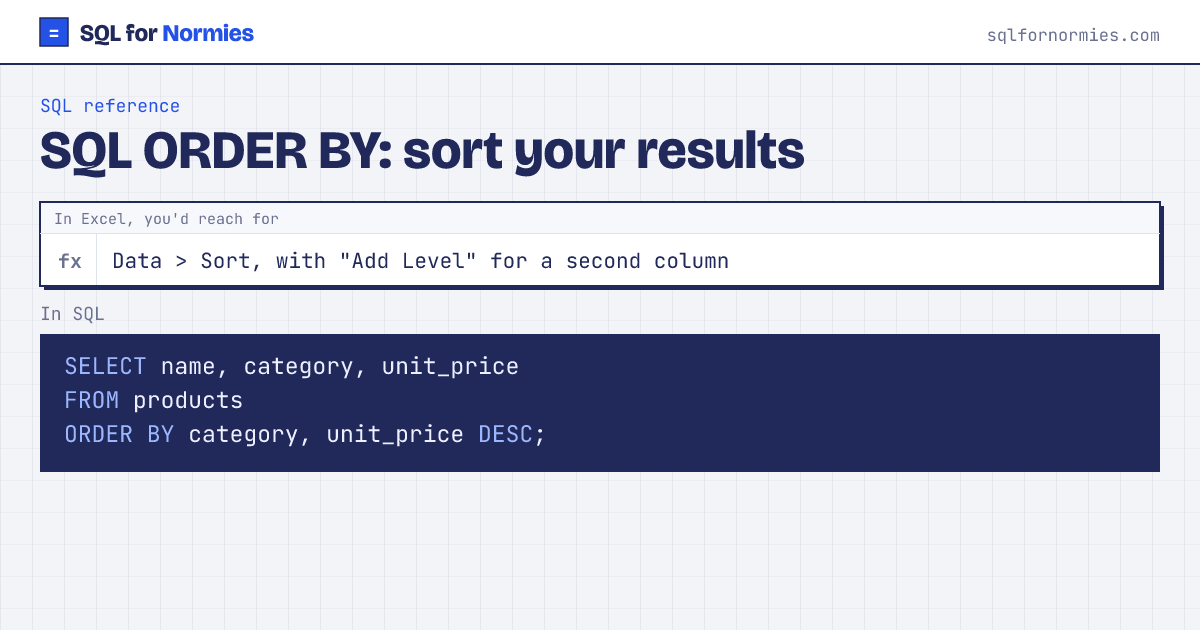
ORDER BY sorts the result. ASC (the default) is smallest first, A to Z, oldest date first. DESC is largest first. List several columns to break ties, like adding sort levels in Excel.
Pair it with LIMIT for "top 10" lists. (SQL Server writes SELECT TOP 10 instead.)
Syntax
SELECT columns
FROM table
ORDER BY col_1 DESC, col_2;
Try itEdit the query, then Run
| name | category | unit_price |
|---|---|---|
| Noise-Cancel Headset | Electronics | 149 |
| Webcam HD | Electronics | 69 |
| Standing Desk | Furniture | 449 |
| Ergo Chair | Furniture | 329 |
| Monitor Arm | Office | 89 |
| Desk Lamp | Office | 39 |
| Notebook Pack | Stationery | 12 |
| Gel Pens (10) | Stationery | 9 |
8 rows
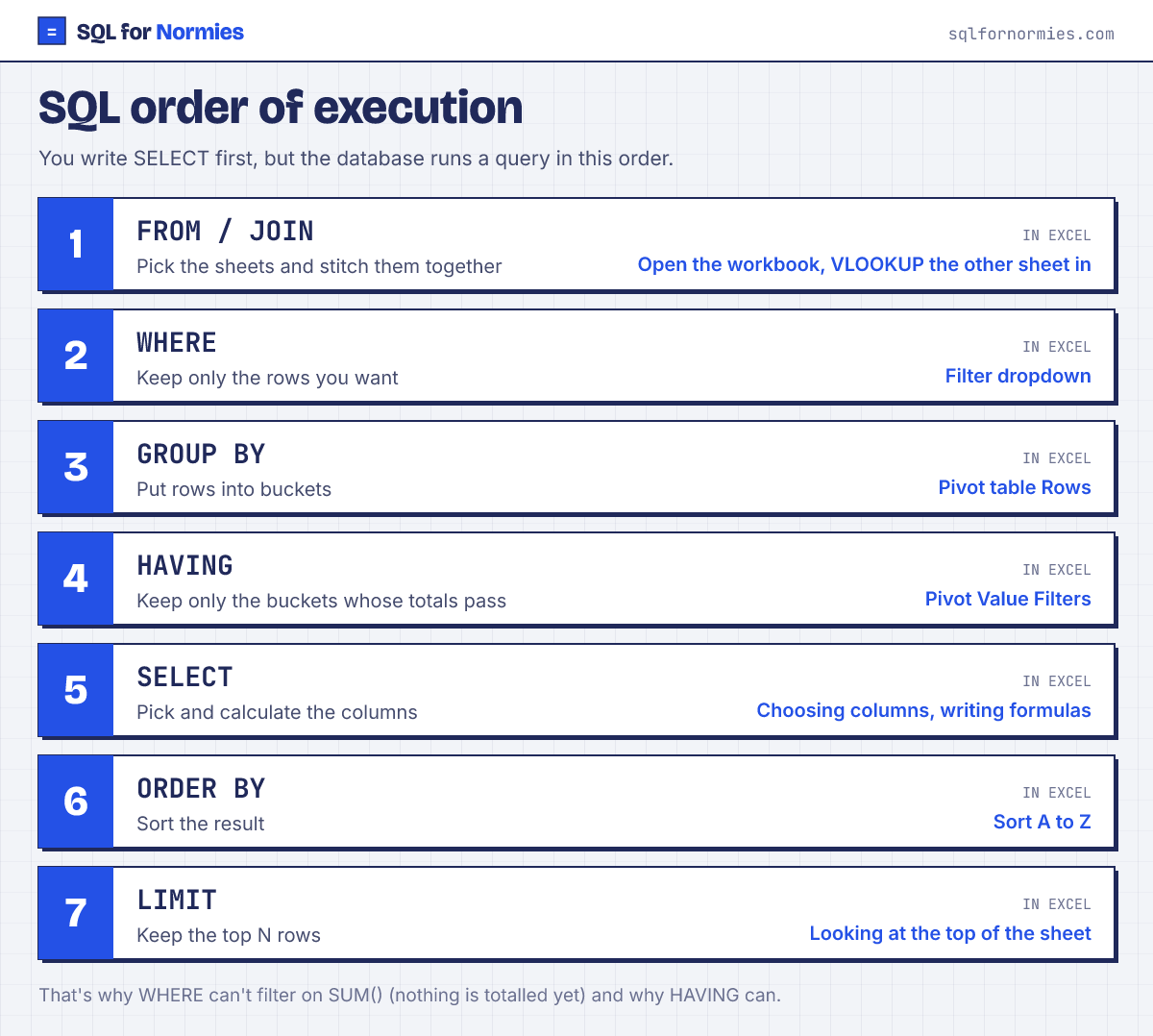
You can sort by a calculated column using its name from SELECT: SELECT region, SUM(quantity) AS units FROM orders GROUP BY region ORDER BY units DESC.
Your turn
List the 10 most recent signups: name and signup_date, newest first. Break ties by name A to Z.
ORDER BY signup_date DESC, name, then LIMIT 10.
This page on one card