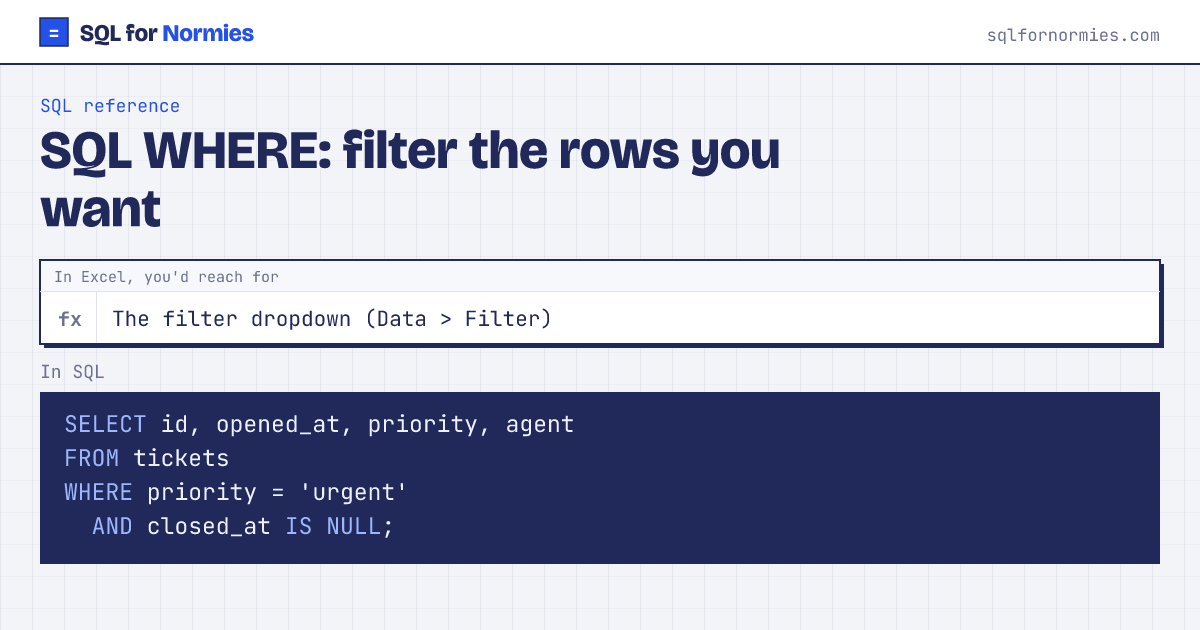
SQL WHERE: filter the rows you want
WHERE keeps only the rows that pass your test, like ticking boxes in Excel's filter dropdown, except you describe what you want instead of clicking.
=,<>(not equal),>,<=for comparisonsBETWEEN '2026-03-01' AND '2026-03-31'for ranges (both ends included)IN ('India', 'Canada')for "any of these"LIKE '%@gmail.com'for text patterns (%= anything)IS NULL/IS NOT NULLfor blanks.= NULLnever matches anything.
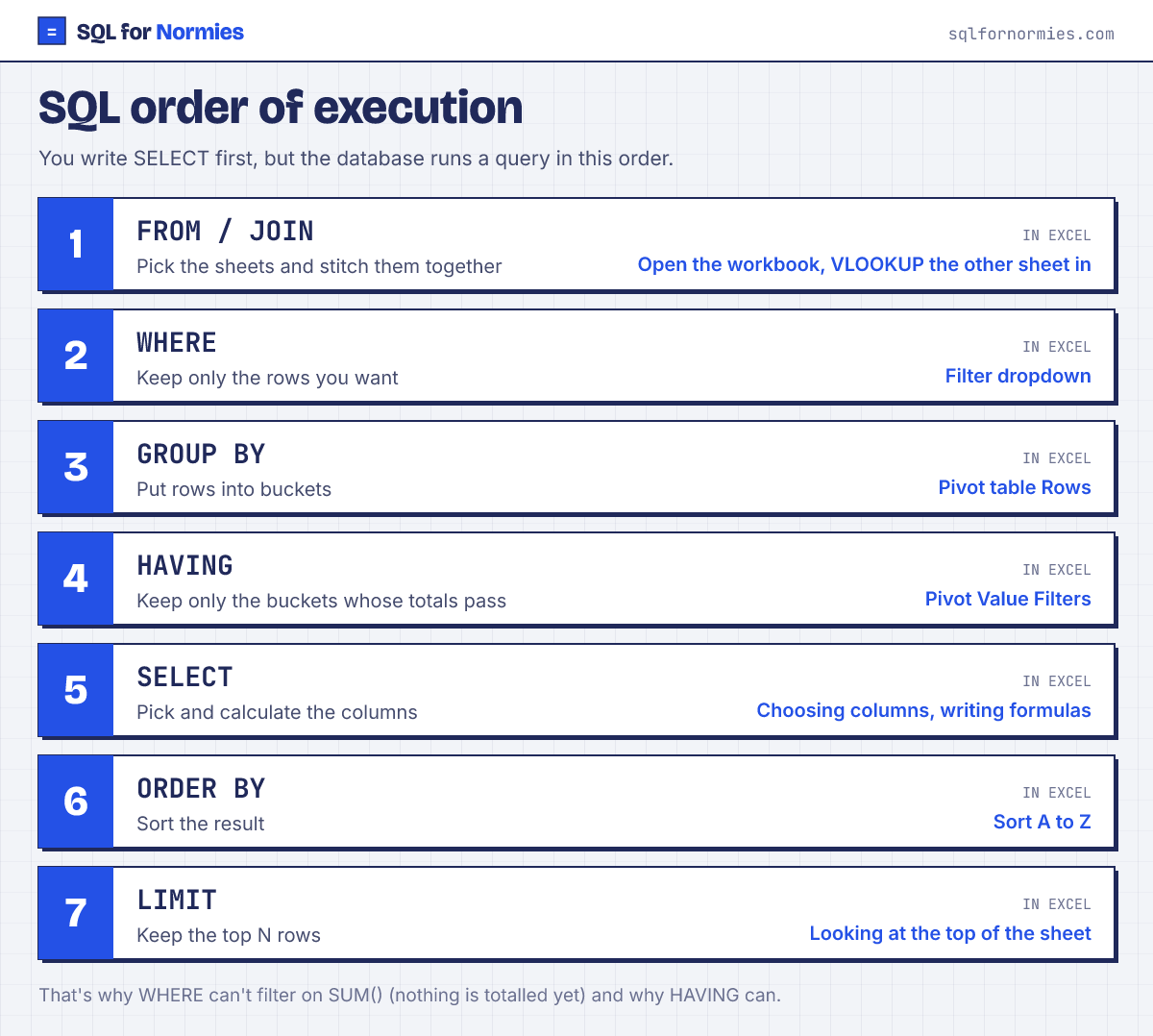
Syntax
SELECT columns
FROM table
WHERE condition AND other_condition;
Try itEdit the query, then Run
| id | opened_at | priority | agent |
|---|---|---|---|
| 34 | 2026-03-07 12:00 | urgent | Emma |
| 104 | 2026-04-17 03:00 | urgent | Diego |
| 320 | 2026-06-11 14:00 | urgent | Bruno |
| 465 | 2026-06-27 01:00 | urgent | Emma |
4 rows
Mixing AND with OR? Use brackets so it does what you mean: WHERE region = 'Europe' AND (quantity > 3 OR product_id = 2).
Your turn
Find orders from the Europe or Latin America regions with a quantity above 4. Show id, region and quantity.
region IN ('Europe', 'Latin America') AND quantity > 4.
This page on one card