Excel formulas cheat sheet
The 37 formulas business people use most, what each one does, and the SQL that does the same job, for the day your data outgrows the spreadsheet.
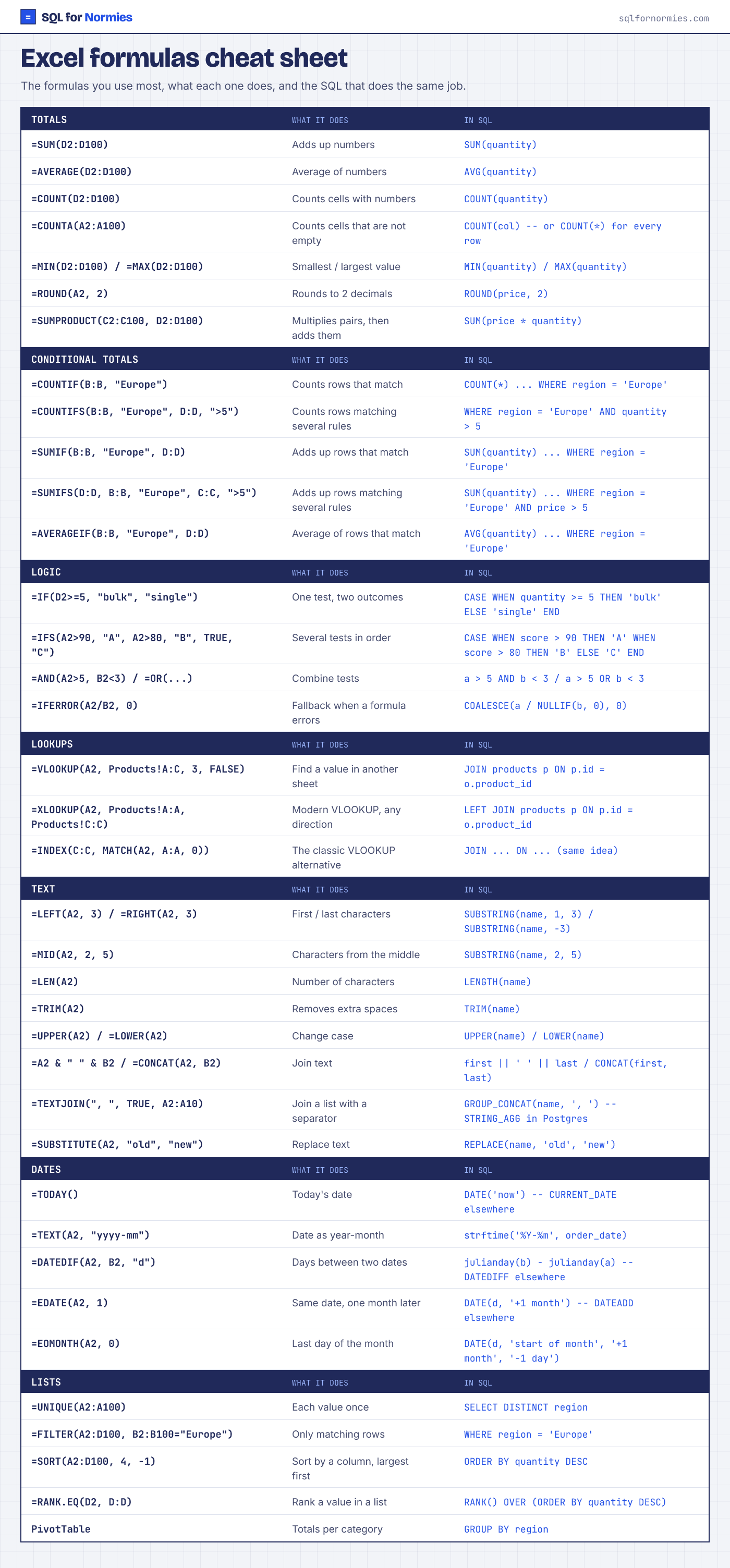
Totals
| Excel formula | What it does | In SQL |
|---|---|---|
=SUM(D2:D100) | Adds up numbers | SUM(quantity) |
=AVERAGE(D2:D100) | Average of numbers | AVG(quantity) |
=COUNT(D2:D100) | Counts cells with numbers | COUNT(quantity) |
=COUNTA(A2:A100) | Counts cells that are not empty | COUNT(col) -- or COUNT(*) for every row |
=MIN(D2:D100) / =MAX(D2:D100) | Smallest / largest value | MIN(quantity) / MAX(quantity) |
=ROUND(A2, 2) | Rounds to 2 decimals | ROUND(price, 2) |
=SUMPRODUCT(C2:C100, D2:D100) | Multiplies pairs, then adds them | SUM(price * quantity) |
Conditional totals
| Excel formula | What it does | In SQL |
|---|---|---|
=COUNTIF(B:B, "Europe") | Counts rows that match | COUNT(*) ... WHERE region = 'Europe' |
=COUNTIFS(B:B, "Europe", D:D, ">5") | Counts rows matching several rules | WHERE region = 'Europe' AND quantity > 5 |
=SUMIF(B:B, "Europe", D:D) | Adds up rows that match | SUM(quantity) ... WHERE region = 'Europe' |
=SUMIFS(D:D, B:B, "Europe", C:C, ">5") | Adds up rows matching several rules | SUM(quantity) ... WHERE region = 'Europe' AND price > 5 |
=AVERAGEIF(B:B, "Europe", D:D) | Average of rows that match | AVG(quantity) ... WHERE region = 'Europe' |
Logic
| Excel formula | What it does | In SQL |
|---|---|---|
=IF(D2>=5, "bulk", "single") | One test, two outcomes | CASE WHEN quantity >= 5 THEN 'bulk' ELSE 'single' END |
=IFS(A2>90, "A", A2>80, "B", TRUE, "C") | Several tests in order | CASE WHEN score > 90 THEN 'A' WHEN score > 80 THEN 'B' ELSE 'C' END |
=AND(A2>5, B2<3) / =OR(...) | Combine tests | a > 5 AND b < 3 / a > 5 OR b < 3 |
=IFERROR(A2/B2, 0) | Fallback when a formula errors | COALESCE(a / NULLIF(b, 0), 0) |
Lookups
| Excel formula | What it does | In SQL |
|---|---|---|
=VLOOKUP(A2, Products!A:C, 3, FALSE) | Find a value in another sheet | JOIN products p ON p.id = o.product_id |
=XLOOKUP(A2, Products!A:A, Products!C:C) | Modern VLOOKUP, any direction | LEFT JOIN products p ON p.id = o.product_id |
=INDEX(C:C, MATCH(A2, A:A, 0)) | The classic VLOOKUP alternative | JOIN ... ON ... (same idea) |
Text
| Excel formula | What it does | In SQL |
|---|---|---|
=LEFT(A2, 3) / =RIGHT(A2, 3) | First / last characters | SUBSTRING(name, 1, 3) / SUBSTRING(name, -3) |
=MID(A2, 2, 5) | Characters from the middle | SUBSTRING(name, 2, 5) |
=LEN(A2) | Number of characters | LENGTH(name) |
=TRIM(A2) | Removes extra spaces | TRIM(name) |
=UPPER(A2) / =LOWER(A2) | Change case | UPPER(name) / LOWER(name) |
=A2 & " " & B2 / =CONCAT(A2, B2) | Join text | first || ' ' || last / CONCAT(first, last) |
=TEXTJOIN(", ", TRUE, A2:A10) | Join a list with a separator | GROUP_CONCAT(name, ', ') -- STRING_AGG in Postgres |
=SUBSTITUTE(A2, "old", "new") | Replace text | REPLACE(name, 'old', 'new') |
Dates
| Excel formula | What it does | In SQL |
|---|---|---|
=TODAY() | Today's date | DATE('now') -- CURRENT_DATE elsewhere |
=TEXT(A2, "yyyy-mm") | Date as year-month | strftime('%Y-%m', order_date) |
=DATEDIF(A2, B2, "d") | Days between two dates | julianday(b) - julianday(a) -- DATEDIFF elsewhere |
=EDATE(A2, 1) | Same date, one month later | DATE(d, '+1 month') -- DATEADD elsewhere |
=EOMONTH(A2, 0) | Last day of the month | DATE(d, 'start of month', '+1 month', '-1 day') |
Lists
| Excel formula | What it does | In SQL |
|---|---|---|
=UNIQUE(A2:A100) | Each value once | SELECT DISTINCT region |
=FILTER(A2:D100, B2:B100="Europe") | Only matching rows | WHERE region = 'Europe' |
=SORT(A2:D100, 4, -1) | Sort by a column, largest first | ORDER BY quantity DESC |
=RANK.EQ(D2, D:D) | Rank a value in a list | RANK() OVER (ORDER BY quantity DESC) |
PivotTable | Totals per category | GROUP BY region |
Want the reverse, starting from SQL? See the Excel to SQL cheat sheet, or start lesson 1.