SQL SUBSTRING: cut out part of text
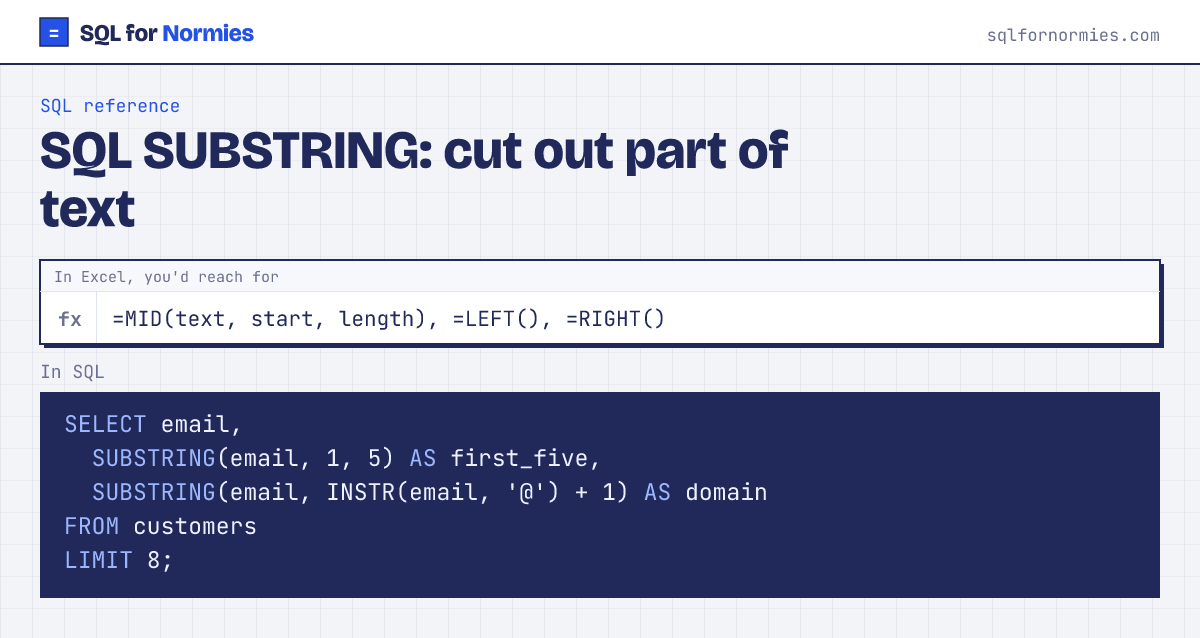
SUBSTRING takes a slice of text: where to start (the first character is 1) and how many characters. Leave out the length to take everything to the end.
It's most useful combined with a "find" function to cut at a marker, like everything after the @ in an email.
Syntax
SUBSTRING(text, start, length) -- start counts from 1Try itEdit the query, then Run
| first_five | domain | |
|---|---|---|
| kavya.haddad334@example.com | kavya | example.com |
| ben.kim404@example.com | ben.k | example.com |
| kavya.kim283@example.com | kavya | example.com |
| nikhil.tanaka266@example.com | nikhi | example.com |
| elena.nguyen194@example.com | elena | example.com |
| leo.garcia59@example.com | leo.g | example.com |
| tara.ali374@example.com | tara. | example.com |
| quinn.lopez91@example.com | quinn | example.com |
8 rows
In other databases
- SQL Server:
SUBSTRING(text, start, length)(length required), plusLEFT(),RIGHT(), andCHARINDEX('@', text)to find - MySQL / Postgres:
SUBSTRING(),LEFT(),RIGHT(); find withLOCATE()(MySQL) orPOSITION('@' IN text)(Postgres) - BigQuery:
SUBSTR(text, start, length), find withSTRPOS() - SQLite (this site):
SUBSTRINGorSUBSTR, find withINSTR()
Your turn
Show each order's order_date and just its month number as month_number (characters 6 and 7 of the date).
SUBSTRING(order_date, 6, 2).
This page on one card