Excel to SQL · Lesson 3 of 12
Sort with ORDER BY
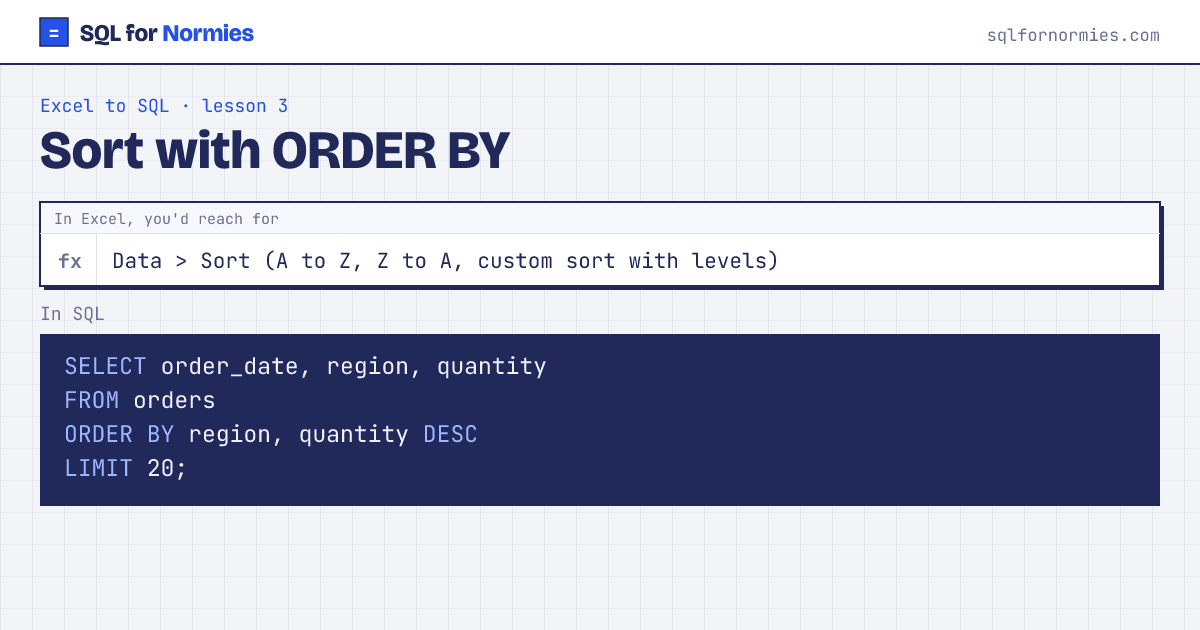
ORDER BY sorts the result. Add DESC for largest first (Z to A), or leave it off for smallest first (A to Z).
Excel's "Add Level" in the custom sort box is just a second column after a comma: sort by region, then by quantity within each region.
Try itEdit the query, then Run
| order_date | region | quantity |
|---|---|---|
| 2026-01-06 | Asia Pacific | 6 |
| 2026-01-09 | Asia Pacific | 6 |
| 2026-01-20 | Asia Pacific | 6 |
| 2026-02-05 | Asia Pacific | 6 |
| 2026-02-19 | Asia Pacific | 6 |
| 2026-02-23 | Asia Pacific | 6 |
| 2026-02-25 | Asia Pacific | 6 |
| 2026-02-28 | Asia Pacific | 6 |
| 2026-03-04 | Asia Pacific | 6 |
| 2026-03-05 | Asia Pacific | 6 |
Showing 10 of 20 rows. Press Run to see them all.
Unlike sorting a sheet, this never rearranges the stored data. Every query gets its own sorted copy, so you can't break anything.
Your turn
List the 5 most expensive products: name and unit_price, most expensive first.
ORDER BY unit_price DESC, then LIMIT 5.
This page on one card