Excel to SQL · Lesson 2 of 12
Filter rows with WHERE
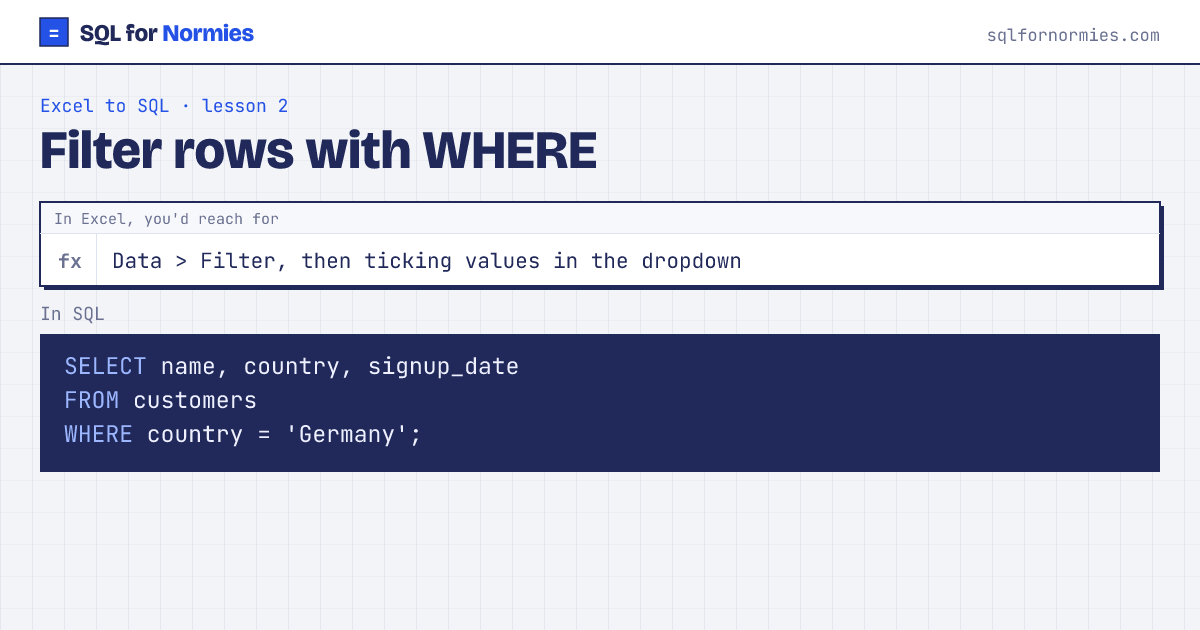
In Excel you click the filter arrow and untick what you don't want. In SQL you write WHERE and describe the rows you do want.
Text goes in single quotes: 'Germany'. Numbers don't need quotes. Dates in this database are text written as YYYY-MM-DD, so they sort and compare correctly.
Try itEdit the query, then Run
| name | country | signup_date |
|---|---|---|
| Tara Ali | Germany | 2026-01-07 |
| Kavya Smith | Germany | 2026-01-20 |
| Elena Garcia | Germany | 2026-01-28 |
| Olivia Smith | Germany | 2026-02-17 |
| Ines Garcia | Germany | 2026-03-13 |
| Aisha Mensah | Germany | 2026-03-15 |
| Sam Cohen | Germany | 2026-03-17 |
| Arjun Müller | Germany | 2026-03-20 |
| Wei Tanaka | Germany | 2026-04-03 |
| Farid Iyer | Germany | 2026-04-03 |
Showing 10 of 29 rows. Press Run to see them all.
Combine conditions with AND (both must be true) and OR (either). Handy shortcuts:
WHERE signup_date BETWEEN '2026-03-01' AND '2026-03-31'for a date rangeWHERE country IN ('India', 'Canada')for "any of these", like ticking several boxesWHERE email LIKE '%@example.com'for "text contains or ends with" (%means anything)
Your turn
Find every customer from India who signed up in or after 2026-04-01. Show their name and signup_date.
Two conditions joined with AND: one on country, one on signup_date with >=.
This page on one card