SQL LEFT JOIN: keep rows with no match
A plain JOIN quietly drops rows that find no partner. Often those are exactly the rows you care about: customers who never ordered, products that never sold, leads nobody called.
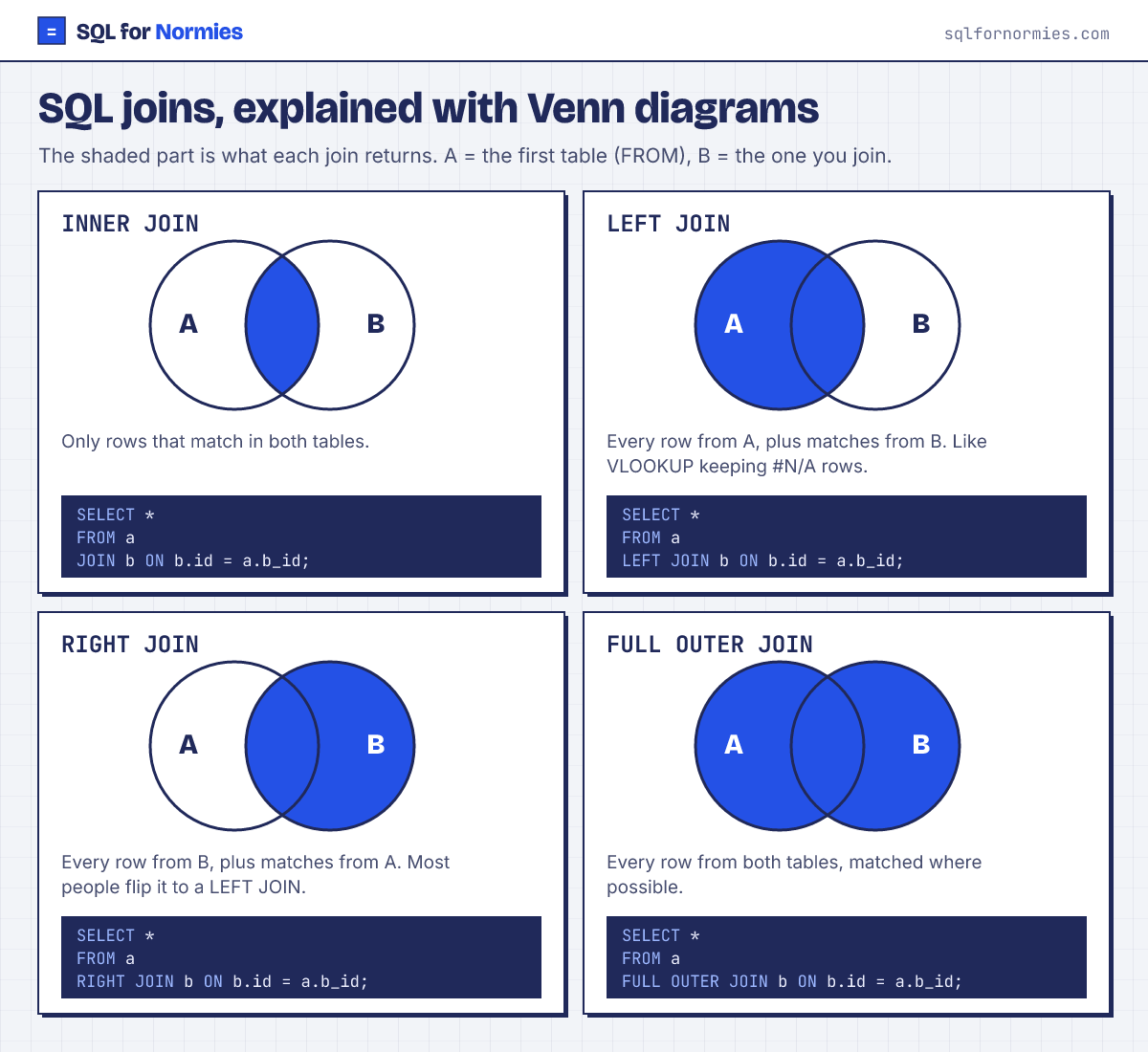
LEFT JOIN keeps every row from the first (left) table. Where there's no match, the columns from the second table come back empty (NULL), like an #N/A you can filter on.
Syntax
SELECT a.col, b.col
FROM table_a a
LEFT JOIN table_b b ON b.id = a.b_id;| name | signup_date | order_id |
|---|---|---|
| Kavya Haddad | 2026-01-01 | empty |
| Elena Nguyen | 2026-01-06 | empty |
| Quinn Lopez | 2026-01-08 | empty |
| Sam Okafor | 2026-01-10 | empty |
| Ben Smith | 2026-01-10 | empty |
| Olivia Garcia | 2026-01-20 | empty |
| Carla Haddad | 2026-01-20 | empty |
| Arjun Patel | 2026-01-24 | empty |
| Dana Rossi | 2026-01-24 | empty |
| Umar Silva | 2026-01-26 | empty |
10 rows
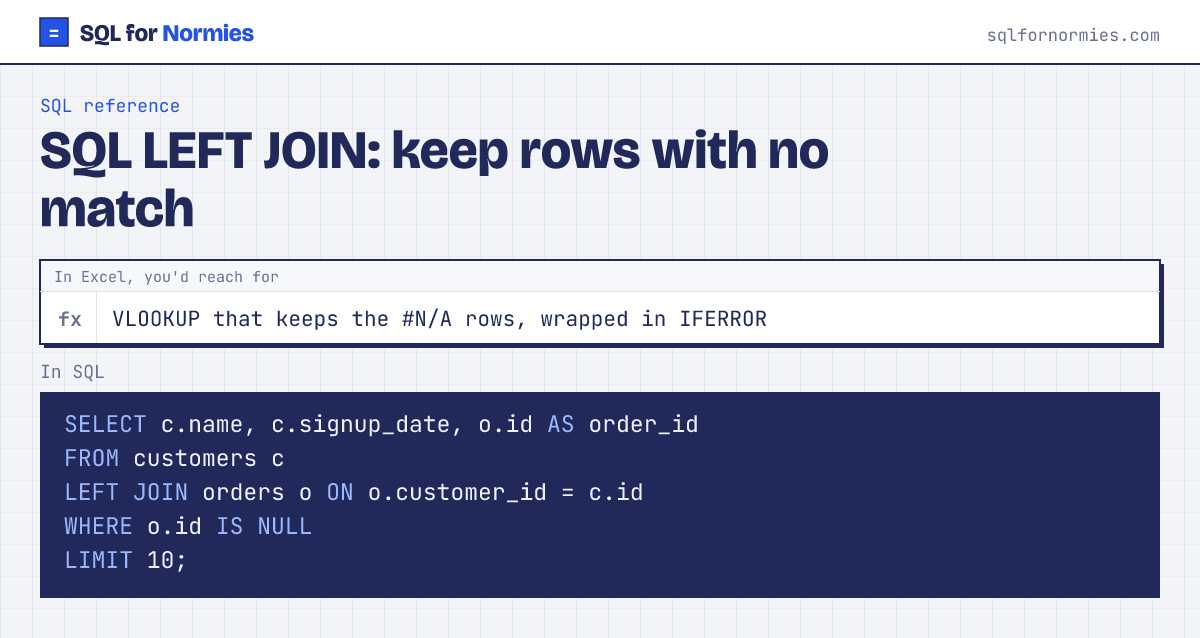
That WHERE o.id IS NULL is the classic "find what's missing" pattern: join, then keep only the rows where the match came back empty. These are customers with no orders.
Careful: a condition on the right-hand table in WHERE (say WHERE o.region = 'Europe') throws away the empty rows and turns your LEFT JOIN back into a plain JOIN. Put it in the ON instead: LEFT JOIN orders o ON o.customer_id = c.id AND o.region = 'Europe'.
Your turn
How many customers have no subscription? Call it never_paid.
LEFT JOIN subscriptions, keep rows WHERE s.id IS NULL, then COUNT(*).
This page on one card