Days between two dates in SQL (DATEDIFF)
Time between two dates is everywhere in business data: days to close a deal, hours to resolve a ticket, days from signup to first purchase. Every database can do it; each spells it differently.
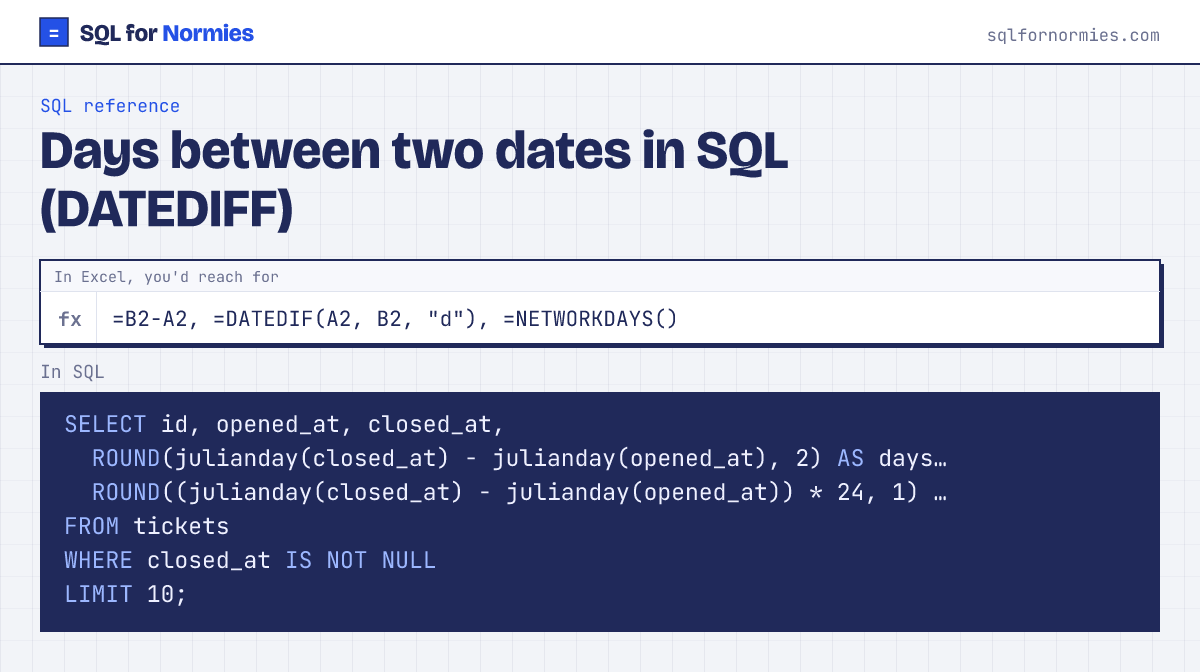
The example uses SQLite (what runs on this page): julianday() turns a date into a day number, so subtracting gives days. Multiply by 24 for hours.
Syntax
-- SQLite (this site)
julianday(end) - julianday(start)
-- SQL Server
DATEDIFF(day, start, end)
Try itEdit the query, then Run
| id | opened_at | closed_at | days_open | hours_open |
|---|---|---|---|---|
| 1 | 2026-01-18 16:00 | 2026-01-18 21:48 | 0.24 | 5.8 |
| 2 | 2026-01-19 20:00 | 2026-01-22 14:04 | 2.75 | 66.1 |
| 3 | 2026-01-28 03:00 | 2026-01-30 17:45 | 2.61 | 62.8 |
| 4 | 2026-01-31 11:00 | 2026-02-02 10:53 | 2 | 47.9 |
| 5 | 2026-01-31 22:00 | 2026-02-03 00:11 | 2.09 | 50.2 |
| 6 | 2026-02-01 00:00 | 2026-02-02 01:00 | 1.04 | 25 |
| 7 | 2026-02-01 03:00 | 2026-02-02 01:56 | 0.96 | 22.9 |
| 8 | 2026-02-07 08:00 | 2026-02-07 17:07 | 0.38 | 9.1 |
| 9 | 2026-02-07 12:00 | 2026-02-08 02:47 | 0.62 | 14.8 |
| 10 | 2026-02-07 19:00 | 2026-02-08 06:41 | 0.49 | 11.7 |
10 rows
In other databases
- SQL Server:
DATEDIFF(day, start, end); swapdayforhour,monthand so on. It counts boundaries crossed, so Dec 31 to Jan 1 is 1 year. - MySQL:
DATEDIFF(end, start)returns days (note the order);TIMESTAMPDIFF(HOUR, start, end)for other units - Postgres:
end_date - start_dategives days for dates; for timestamps useEXTRACT(EPOCH FROM end - start) / 3600for hours - BigQuery:
DATE_DIFF(end, start, DAY),TIMESTAMP_DIFF(end, start, HOUR) - Snowflake:
DATEDIFF(day, start, end)
Your turn
Average days from signup_date to a subscription's started_at, as avg_days_to_pay, rounded to 1 decimal.
JOIN subscriptions to customers, AVG(julianday(s.started_at) - julianday(c.signup_date)).
This page on one card