Excel to SQL · Lesson 12 of 12
Dates: months, weeks and days between
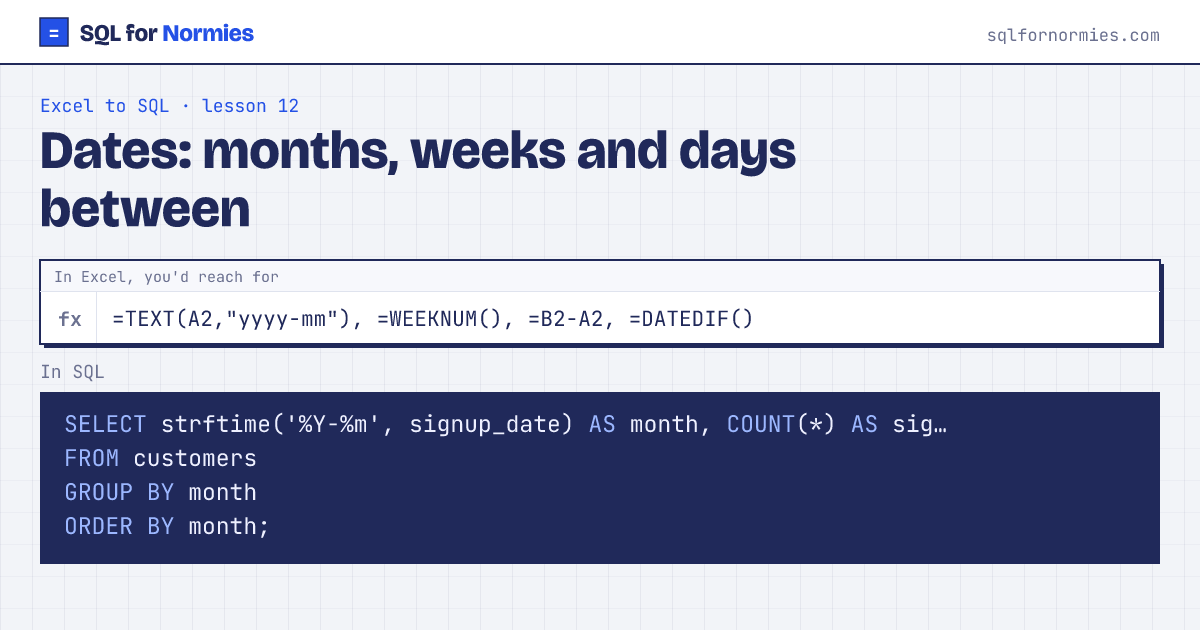
Dates in this database are text like 2026-03-14. SQLite has a few small tools for them:
strftime('%Y-%m', d)gives the month, like=TEXT(d, "yyyy-mm")date(d, 'weekday 0', '-6 days')gives the Monday that starts that weekjulianday(b) - julianday(a)gives the days between two datesdate(d, '+1 month')adds a month, like=EDATE()
Try itEdit the query, then Run
| month | signups |
|---|---|
| 2026-01 | 48 |
| 2026-02 | 52 |
| 2026-03 | 75 |
| 2026-04 | 65 |
| 2026-05 | 96 |
| 2026-06 | 84 |
6 rows
Every database names these differently. In Postgres or Snowflake it's date_trunc('month', d); in BigQuery, DATE_TRUNC(d, MONTH). If you understand "cut the date down to its month, then group", you can look up the spelling anywhere.
Your turn
How many orders were placed in each month? Show month (like 2026-03) and orders, in date order.
strftime('%Y-%m', order_date) AS month, GROUP BY month, ORDER BY month.
This page on one card